

Personal · Design and build
Singpass Sandbox
A self-hosted mock Singpass, and the road to my own OAuth provider
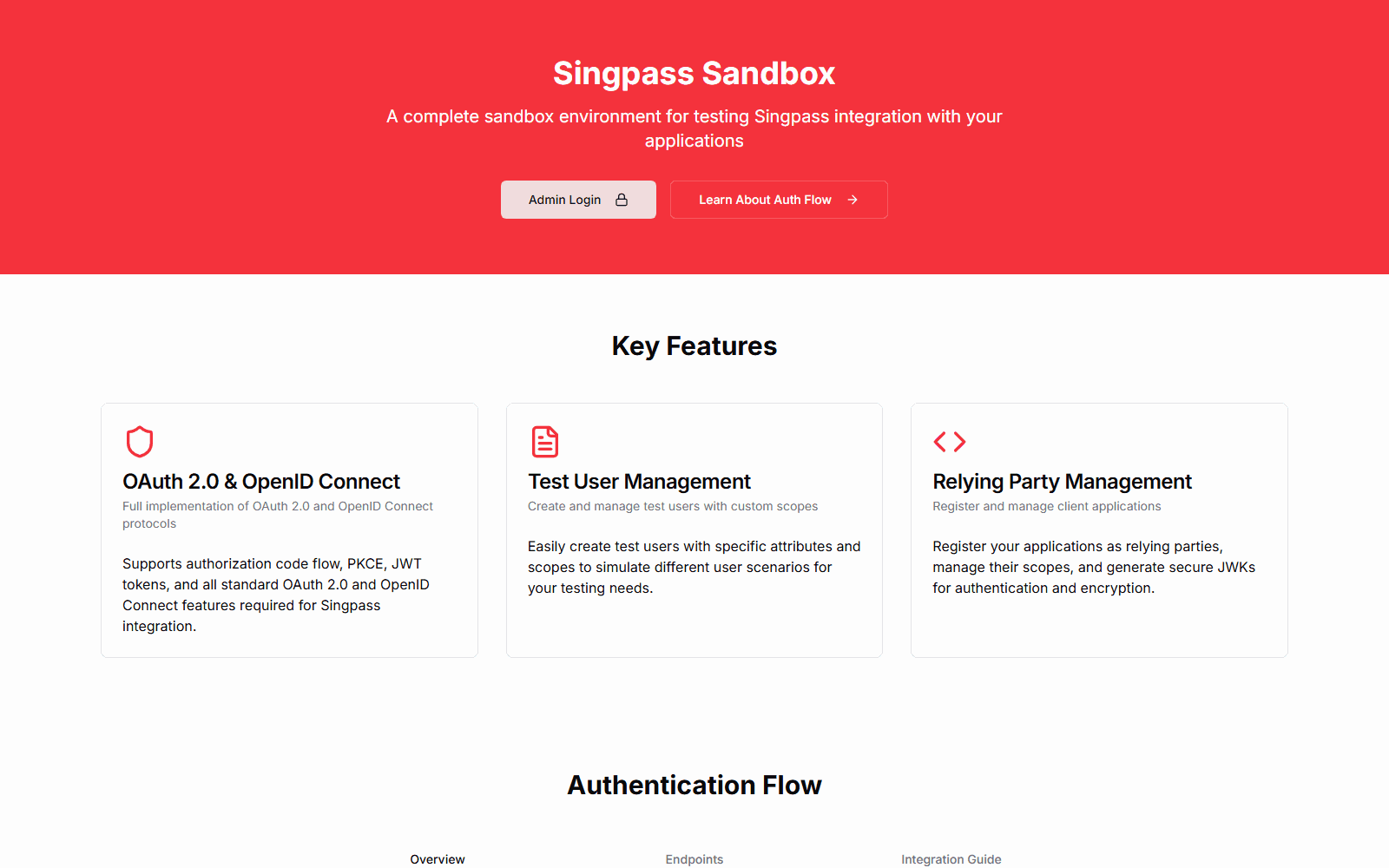
A hosted mock of Singpass, Singapore's national digital identity login, for testing integrations without the real staging environment. It runs the OIDC authorization-code flow with PKCE and JWT client assertions, has MyInfo-style personas whose data is shaped by templates, and has an admin dashboard for test users, relying parties and logs. Building it led directly to console.dewabuanam.com, my own OAuth/OIDC provider.
Where this came from
At work, at a company in Singapore, I integrated with Singpass, the national digital identity that residents use to log in to government and private services. It also releases verified personal data through MyInfo.
The integration itself is standard OIDC with Singapore-specific details:
- clients authenticate with a signed JWT assertion, not a client secret
- PKCE is mandatory
- the
subclaim has its own format - userinfo comes back as a JWT
- there are extra parameters for handing off to the Singpass mobile app
Testing it was the painful part. The official staging environment gives you a fixed set of test personas. You cannot create the exact person your edge case needs, and you cannot run it locally or offline.
Step one: making MockPass persistent
Singapore's government open-sources MockPass, a mock Singpass/Corppass/MyInfo server. Its personas are hard-coded arrays, so I forked it and:
- moved Singpass, Corppass and MyInfo personas into a persisted JSON database
- added register-on-login: a tester creates a new persona from the login page and is immediately sent back to the app with an authorisation code. A new Singpass persona automatically gets a matching MyInfo profile.
- rebuilt the login page to look like the real Singpass login, with live validation, so screenshots and demos feel right
That solved the persona problem for me. But it was still a local Express server with a JSON file, and every new client meant editing config.
Step two: Singpass Sandbox
So I rebuilt the idea as a hosted service with a database and an admin dashboard.
The identity provider
| Endpoint | What it does |
|---|---|
GET /api/oauth/authorize | Checks the client and an exact redirect URI match, carries state, nonce and the PKCE challenge through login, and skips consent when only openid is requested |
POST /api/oauth/token | Requires a jwt-bearer client assertion and a code verifier, checks PKCE (S256 or plain), expiry and redirect URI, then burns the code |
GET /api/oauth/userinfo | Returns the persona's data for the granted scopes as application/jwt, the way Singpass does |
/api/oauth/jwk | The sandbox's JWKS, plus each relying party's registered key |
The details that make it feel like Singpass rather than generic OIDC:
subin thes=<id>,u=<uuid>form- MyInfo-style claim names (
regadd,mobileno) - the app-launch parameters, which are handled through an interstitial hop the way a mobile hand-off would be
The admin dashboard
- Test personas. Create anyone, with any data, for any scope.
- Relying parties. Register a client ID, redirect URI, allowed scopes and a JWK. The JWK can be pasted in or generated in the browser with WebCrypto.
- Logs. Every authorisation, login, token issue and userinfo call, with IP and user agent.
- An integration guide and a demo app that walks through the five-step flow.
Scopes are templates, not code
The decision I am happiest with: each scope stores a JSON template of the attribute shape it releases. The persona editor renders its form recursively from that template. Adding a new MyInfo-like attribute, however deeply nested, is a row in a table, not a code change.
What it deliberately does not do
It is a sandbox for testing your side of the integration, so some of its own cryptography is stubbed:
- client assertions are required but their signatures are not verified
- the ID token is not really signed
- userinfo is a plain JWT rather than an encrypted JWE
- the signing key is regenerated on each deploy
Those gaps are exactly what the next project fixed.
What came next
Building a fake identity provider is the fastest way to understand a real one. So the next step was to build a real one: console.dewabuanam.com. It is my own OAuth / OIDC provider, and every one of my projects now signs in through it, including this Labs site.
The sandbox's shortcuts are exactly the places where the console does the work properly:
| Sandbox | Console |
|---|---|
| Unsigned ID token | RS256 JWTs published through a JWKS with a stable kid |
| PKCE with S256 or plain | S256 only |
| Single-use codes | Single-use codes, plus hashed, rotating refresh tokens |
| Relying-party admin | OAuth clients as a per-project product, with generated docs |
| Auth logs | Health-check logs and real-time notifications |
Where it landed
| Project | When | Size |
|---|---|---|
| MockPass fork | 2024 | 5 commits, about 740 lines added |
| Singpass Sandbox | three days in May 2025 | about 8k hand-written lines on Next.js 15 and Supabase |
The sandbox was scaffolded with v0, then reworked by hand: the auth flow, the model of scopes and claims, and the persona editor driven by templates.
One lesson runs through all of it: the fastest way to learn a protocol is to implement the other side of it.
Related projects

Personal
AI Traffic Lights
A frameless, always-on-top traffic light that shows whether Claude Code is working, finished, or waiting on you. One window per session, captioned with its project, parked wherever you leave it. Built with Tauri and Rust for Windows.
Personal
console.dewabuanam.com
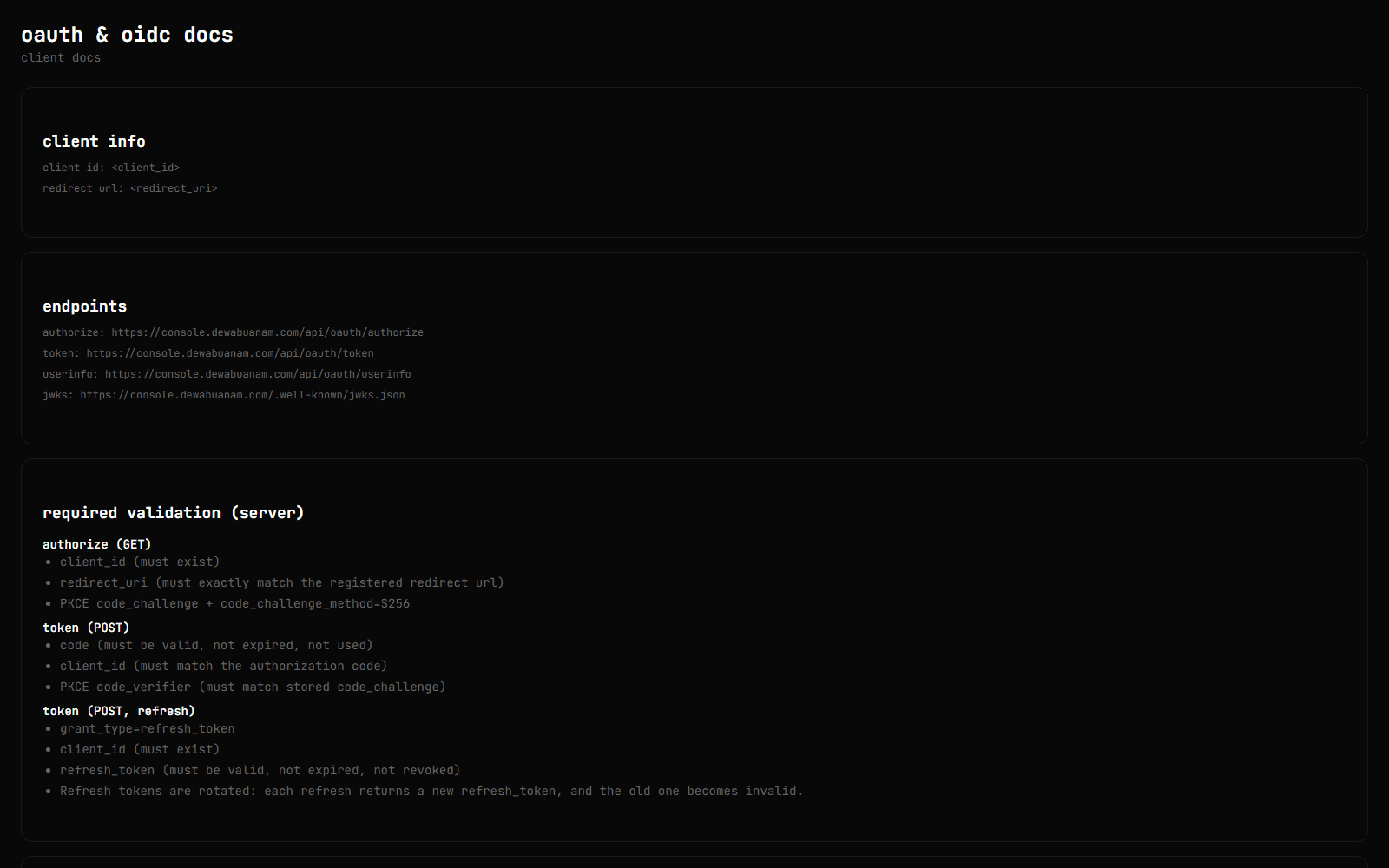
The control plane behind my side projects. Each project gets the products it needs: an OAuth 2.0 / OIDC provider (the one this site signs in with), an encrypted secret manager, scoped API tokens with generated docs, and scheduled health checks with a public status page. There are also real-time notifications and an AI companion backed by a pgvector index of the console's own content.
Personal
Developer Tools by FoxSensei
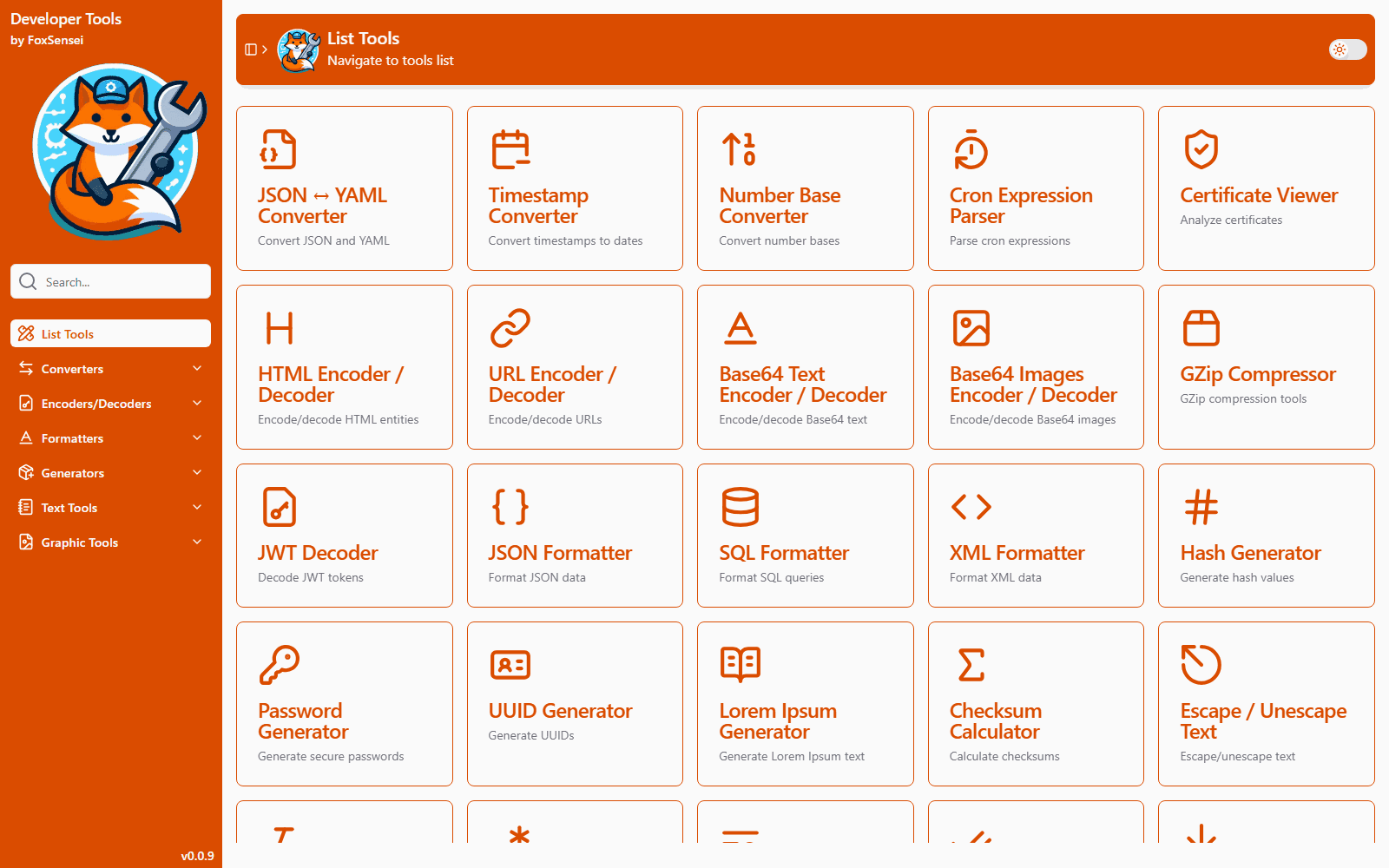
A browser take on DevToys: two dozen everyday developer utilities (JWT signing and verification, certificate inspection, JSON/YAML, SQL formatting, cron parsing, hashing, base conversion and more) in one installable PWA. Everything runs client-side, so tokens, keys and certificates never leave the device.