

Personal · Design and build
Developer Tools by FoxSensei
DevToys in the browser, with nothing leaving the tab
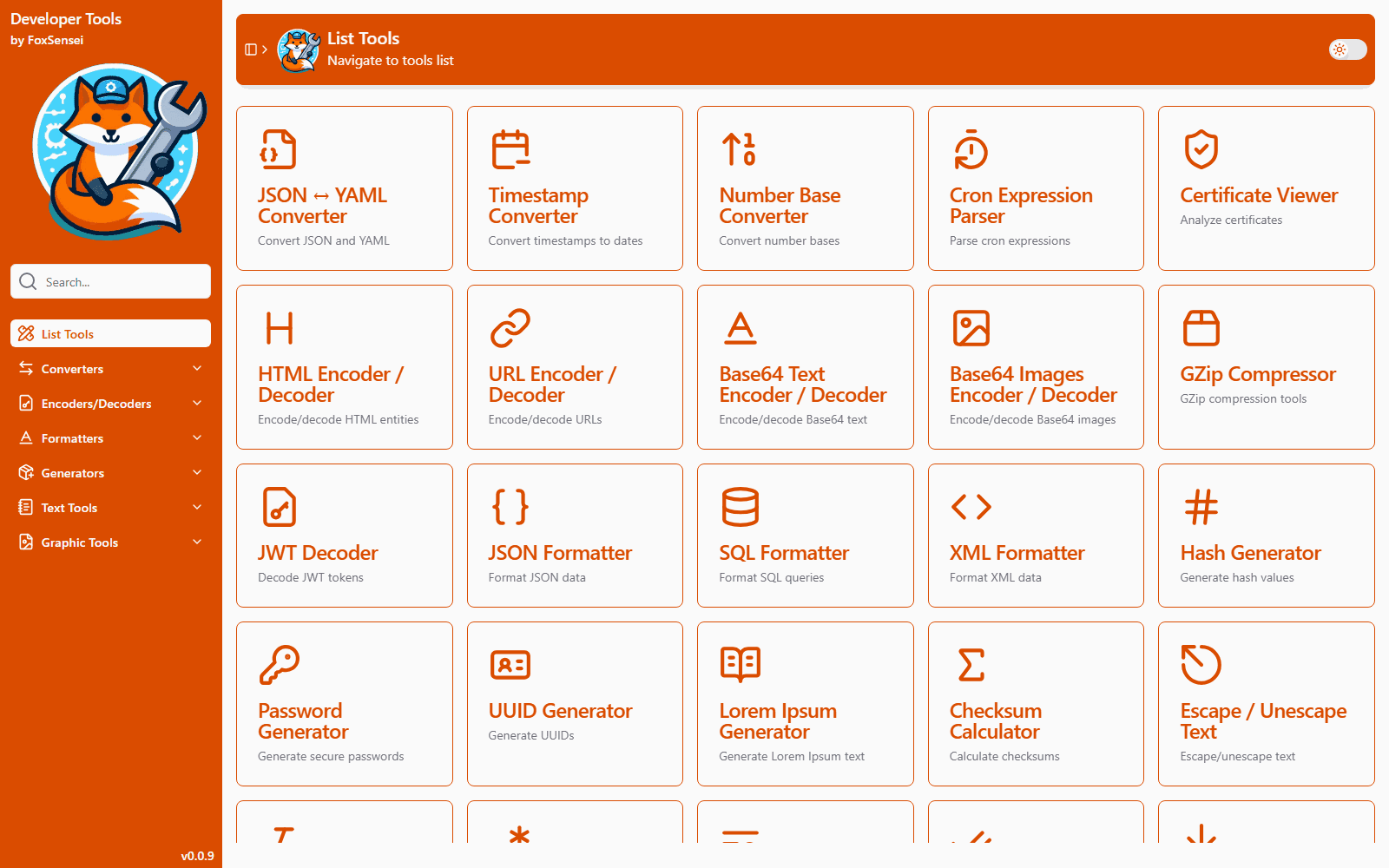
A browser take on DevToys: two dozen everyday developer utilities (JWT signing and verification, certificate inspection, JSON/YAML, SQL formatting, cron parsing, hashing, base conversion and more) in one installable PWA. Everything runs client-side, so tokens, keys and certificates never leave the device.
The problem
DevToys is the Swiss army knife I kept open at work: decode this JWT, format that SQL, turn this timestamp into a date. But it is a desktop app, and I am not always on a machine where I can install one.
The web alternatives have a different problem. Pasting a production JWT, a private key or a client certificate into a random website is exactly what you should not do, and you rarely know whether that site posts your input to a server.
So I wanted DevToys' layout and habits, in a browser tab, with a hard rule: no backend.
What I built
Five categories of tools, all running in the page.
| Category | Tools |
|---|---|
| Converters | JSON ↔ YAML, Unix timestamp (with time zones), number base, cron expression parser |
| Encoders / decoders | JWT, certificates (PEM, DER, PKCS#12), HTML entities, URL, Base64 text and image, GZip |
| Formatters | JSON, SQL (19 dialects), XML |
| Generators | Hashes and HMAC, file checksums, UUIDs, passwords, lorem ipsum |
| Text | Case converter and inspector, escape/unescape, regex tester |
A few go further than the usual web versions:
- JWT decodes, and also signs and verifies, with twelve algorithms (HS, RS, ES and PS at 256, 384 and 512). It takes keys as JWK, SPKI, PKCS#8 or X.509, and validates issuer, audience and lifetime as separate checks.
- Certificate viewer opens password-protected
.pfx/.p12bundles as well as PEM and DER, and shows the fields and thumbprint. - Number base handles raw bytes in RFC 4648 Base16, Base32, Base32-hex, Base64 and Base64url, not just integers.
- Cron shows the next run times and a plain-English reading of the expression.
Every tool shares the same controls: paste from clipboard, load a file, copy, clear, full screen, and resizable split panes. Each has a DevToys-style Configuration panel above it. It installs as a PWA and works offline after the first visit.
How it is built
One registry drives everything
Every tool is a single entry in one nested array: title, URL, icon, description and page component. The router walks that tree recursively to create its routes. The sidebar, the category landing pages, the home list and search all read the same array. Adding a tool means one entry plus one page, and it shows up everywhere.
Search is a module-level shared ref, used as a tiny global store without
Pinia. Every listing page and the sidebar filter against it, so typing in the
search box narrows the whole app at once.
A shared configuration component
The thing that makes thirty pages feel like one app is a single
AppConfiguration row. It takes a dropdown (a searchable command popover), a
switch, a number or text input, or a collapsible slot. Every tool builds its
settings from it, so they all look and behave the same.
Separating "valid signature" from "not expired"
A JWT tool should be able to tell you that a signature is genuine even when
the token has expired. Out of the box, jose's jwtVerify fails on both at
once. So verification runs with an effectively infinite clock tolerance, and
exp / nbf are checked separately, only when the lifetime toggle is on.
Small but annoying
js-sha*covers SHA-1, 256 and 512 but has no SHA-384. The checksum tool takes that one from@stablelib.- The certificate viewer picks its parser from the file: ASN.1 with PKCS#12 bag
extraction for
.pfx, DER for binary, PEM for text. - Conventional Commits are enforced by commitlint in a husky hook, and the
build type-checks with
vue-tscin parallel with Vite.
Where it landed
Seventy-one commits, mostly over three weeks in late 2024: twenty-three working tools and around 10k lines of app code on Vue 3, shadcn-vue and CodeMirror 6. Seven more tools, including text diff, a Markdown previewer, a colour contrast checker and image compression, are routed and waiting as coming soon.
What I would do next:
- Lazy-load each tool's route. Today every page ships in one bundle.
- Move the password generator from
Math.randomtocrypto.getRandomValues. - Make the regex tester's flags actually change the expression.
- Add an SPA rewrite so deep links to a tool work on a fresh load.
Related projects
Personal
AI Traffic Lights
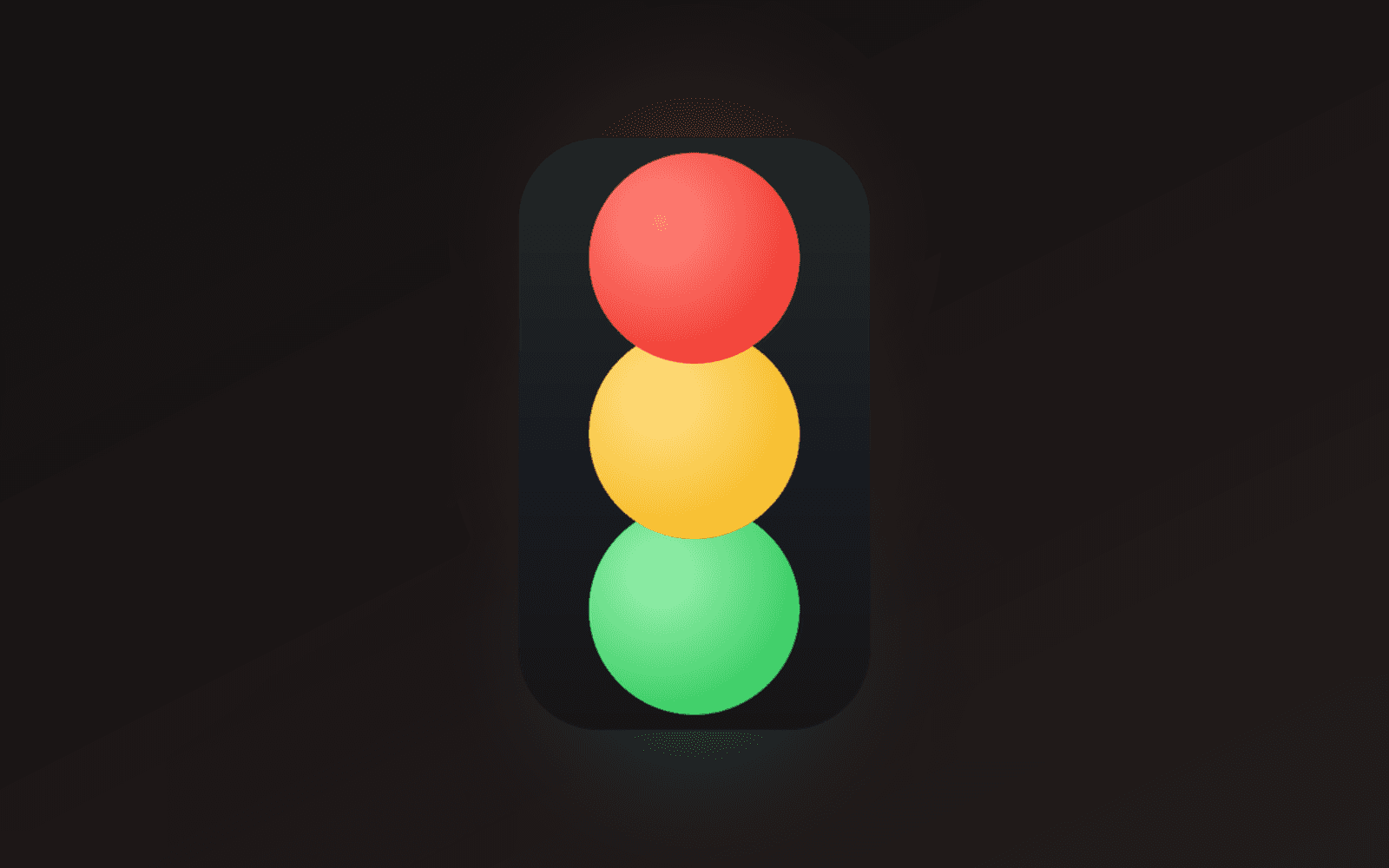
A frameless, always-on-top traffic light that shows whether Claude Code is working, finished, or waiting on you. One window per session, captioned with its project, parked wherever you leave it. Built with Tauri and Rust for Windows.
Personal
console.dewabuanam.com
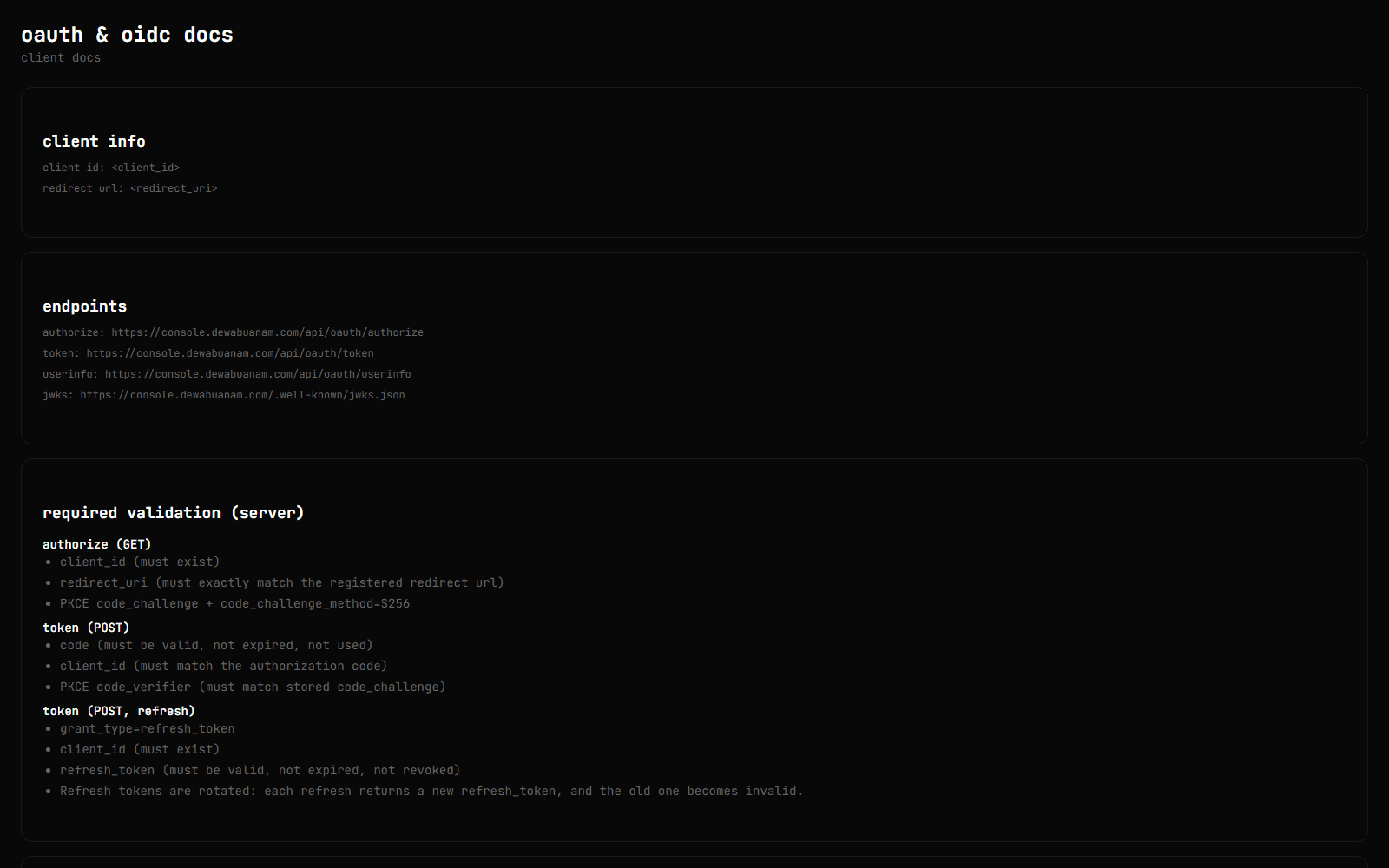
The control plane behind my side projects. Each project gets the products it needs: an OAuth 2.0 / OIDC provider (the one this site signs in with), an encrypted secret manager, scoped API tokens with generated docs, and scheduled health checks with a public status page. There are also real-time notifications and an AI companion backed by a pgvector index of the console's own content.
Personal
Singpass Sandbox
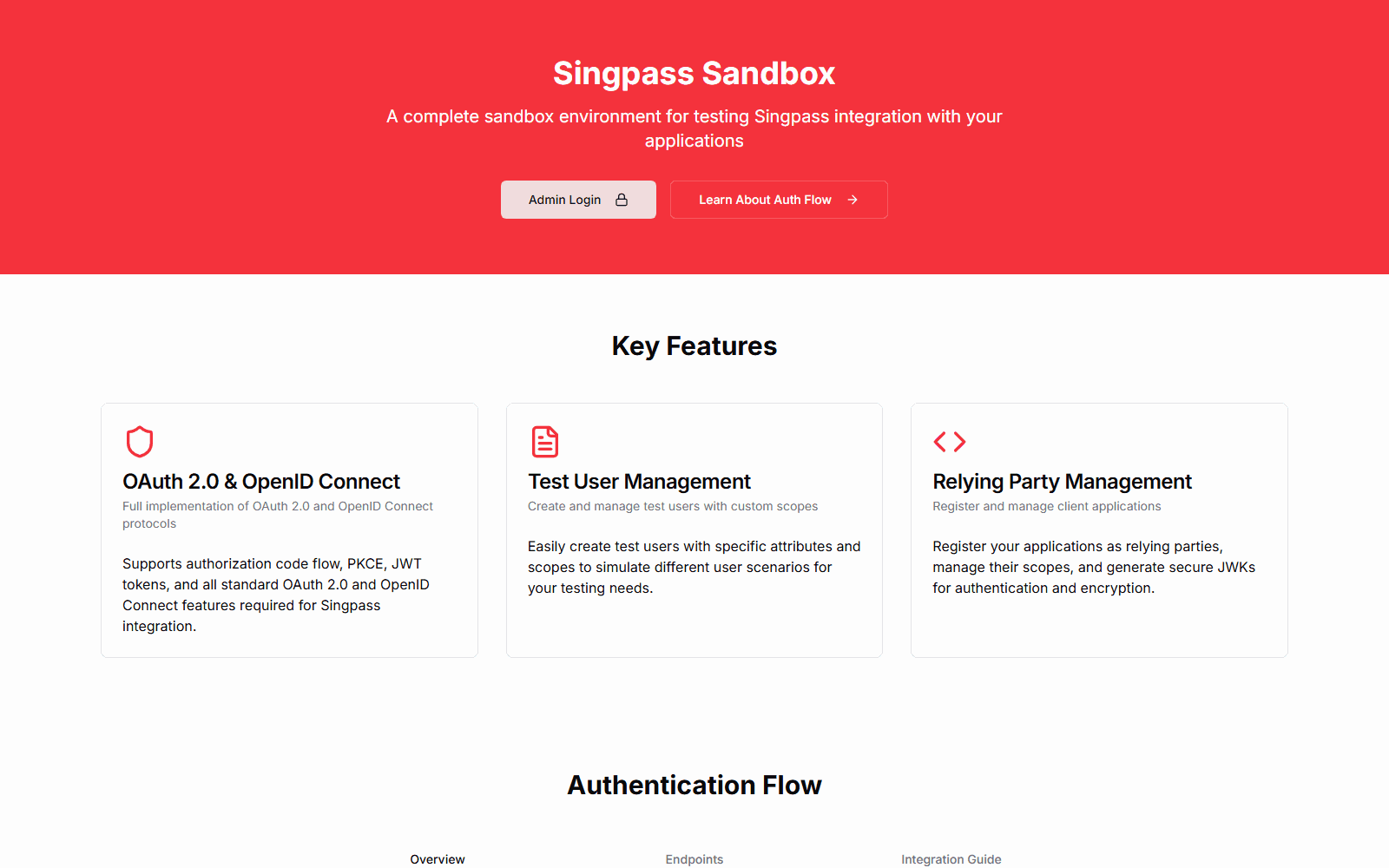
A hosted mock of Singpass, Singapore's national digital identity login, for testing integrations without the real staging environment. It runs the OIDC authorization-code flow with PKCE and JWT client assertions, has MyInfo-style personas whose data is shaped by templates, and has an admin dashboard for test users, relying parties and logs. Building it led directly to console.dewabuanam.com, my own OAuth/OIDC provider.