

Personal · Design and build
console.dewabuanam.com
My own OAuth provider, secret manager and status page, in one console
The control plane behind my side projects. Each project gets the products it needs: an OAuth 2.0 / OIDC provider (the one this site signs in with), an encrypted secret manager, scoped API tokens with generated docs, and scheduled health checks with a public status page. There are also real-time notifications and an AI companion backed by a pgvector index of the console's own content.
The problem
Every side project needs the same plumbing. It needs a way to sign in,
somewhere to keep API keys that is not a .env file copied between machines,
and some way to know it is still up. I was rebuilding all three badly for each
new project.
Building Singpass Sandbox, a mock national identity provider, had shown me how an identity provider works from the inside. The obvious next step was to build a real one, and put the rest of the plumbing next to it.
What I built
A console where you create projects and switch on the products each one needs.
OAuth / OIDC provider
Every one of my apps signs in through the console, including this Labs site.
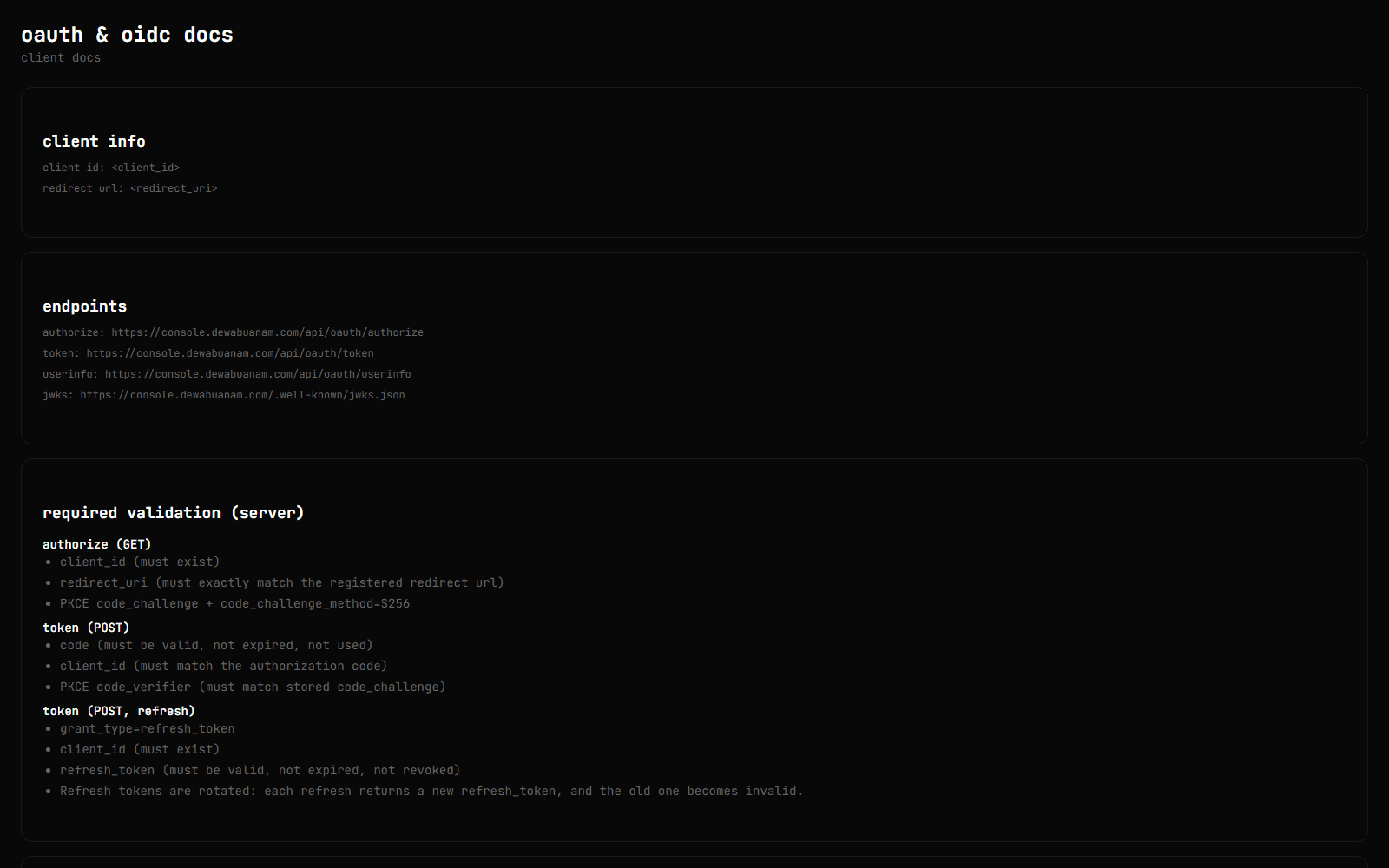
- Authorisation code flow with S256-only PKCE, plus a consent step.
- Each project registers its own OAuth clients, with exact redirect URL matching.
- Tokens are RS256 JWTs, signed with
josefrom a PKCS#8 key and published at/.well-known/jwks.jsonunder a stablekid. The public JWK is derived from the private key, and the private fields are explicitly stripped before publishing. - Authorisation codes are single use. Refresh tokens are stored only as hashes, and each refresh rotates them: the old token is revoked and points at the one that replaced it, so a replayed token can be traced back through the chain.
- Every client gets its own generated integration docs.
Secret manager
Secrets are typed: string, integer, decimal, boolean or JSON. They can inherit from account-level global secrets, so a shared key lives in one place. Each value is encrypted with AES-256 under its own random IV, and secrets can expire on a schedule. Apps read them over the console's API.
API tokens
Per-project tokens with create / read / update / delete permissions, expiry and usage tracking. Each API also gets generated reference docs.
Health checks
HTTP checks grouped into services, run on demand or on a schedule, with logs, a retention policy, and a public status page for each project.
Around the products
- Notifications over Supabase Realtime, with de-duplicated unread counts.
- An AI companion grounded in a RAG index. The console indexes its own projects, secrets metadata, health checks, OAuth clients and tokens into pgvector, plus any PDF or HTML documents you add. You can ask it about your own setup.
How it works
Serverless scheduling
Health checks and secret expiry need a clock, and serverless functions do not have one. The scheduler can run three ways:
- a Vercel Cron hitting a run endpoint (the recommended default)
- an external trigger authenticated with a bearer secret
- an in-process scheduler for self-hosting, which is off by default
A product catalogue in data
The products a project can enable, and the account-level apps, are defined in JSON. Adding a product starts with the catalogue, not with the navigation code.
The console configures itself
The last feature I added was central env. The console loads its own configuration from its own secret manager, over its own API. The fetched copy is cached in the database, encrypted, for 24 hours. If the console can safely run on its own secrets, so can everything else.
RAG that does not come back empty
Embeddings are 3072-dimensional, from Azure OpenAI with OpenAI as a fallback, and searched with a Supabase similarity RPC. When nothing clears the threshold, the search retries with the threshold at zero, so the companion always has some context rather than answering blind.
The client side: dewabuanam-oauth
Integrating a new app should take minutes, so the client half is its own small
npm package, dewabuanam-oauth,
which depends only on jose:
- Browser: PKCE generation and the authorise redirect.
- Server: code exchange, rotation-aware refresh, token verification against the JWKS, and userinfo.
The two halves have separate entry points, so nothing meant for the server ends up in a browser bundle.
Where it landed
Fifty-three commits over three weeks around the turn of 2026, with about 25k hand-written lines on Next.js 16, Supabase and pgvector, and 27 SQL migrations. Most of the debugging went into the OAuth details: safe next redirects, the confirm page, and getting session and consent to agree with each other.
It now sits underneath everything else here. When you sign in to the Labs admin, it is the console that answers.
Related projects
Personal
AI Traffic Lights
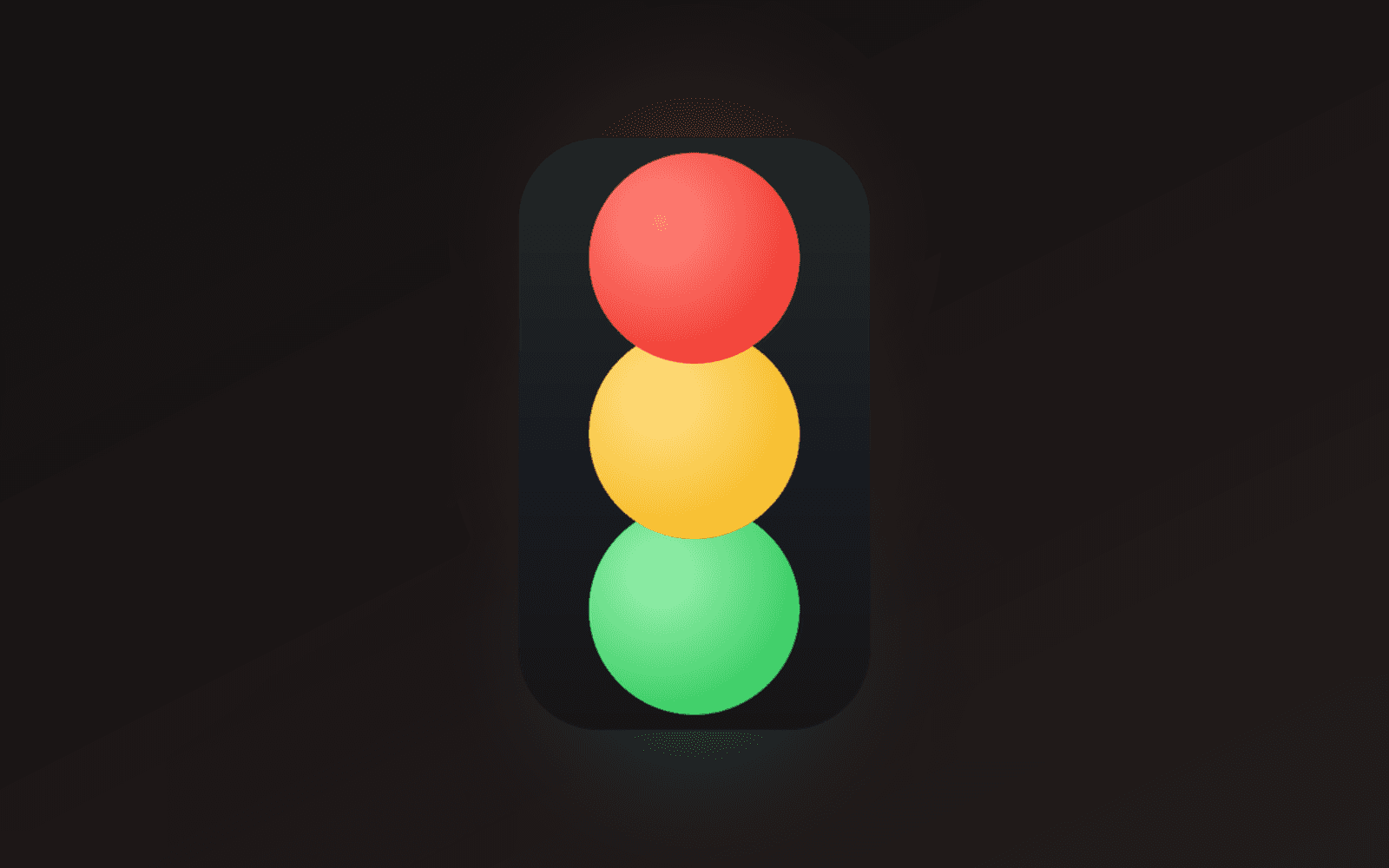
A frameless, always-on-top traffic light that shows whether Claude Code is working, finished, or waiting on you. One window per session, captioned with its project, parked wherever you leave it. Built with Tauri and Rust for Windows.
Personal
Singpass Sandbox
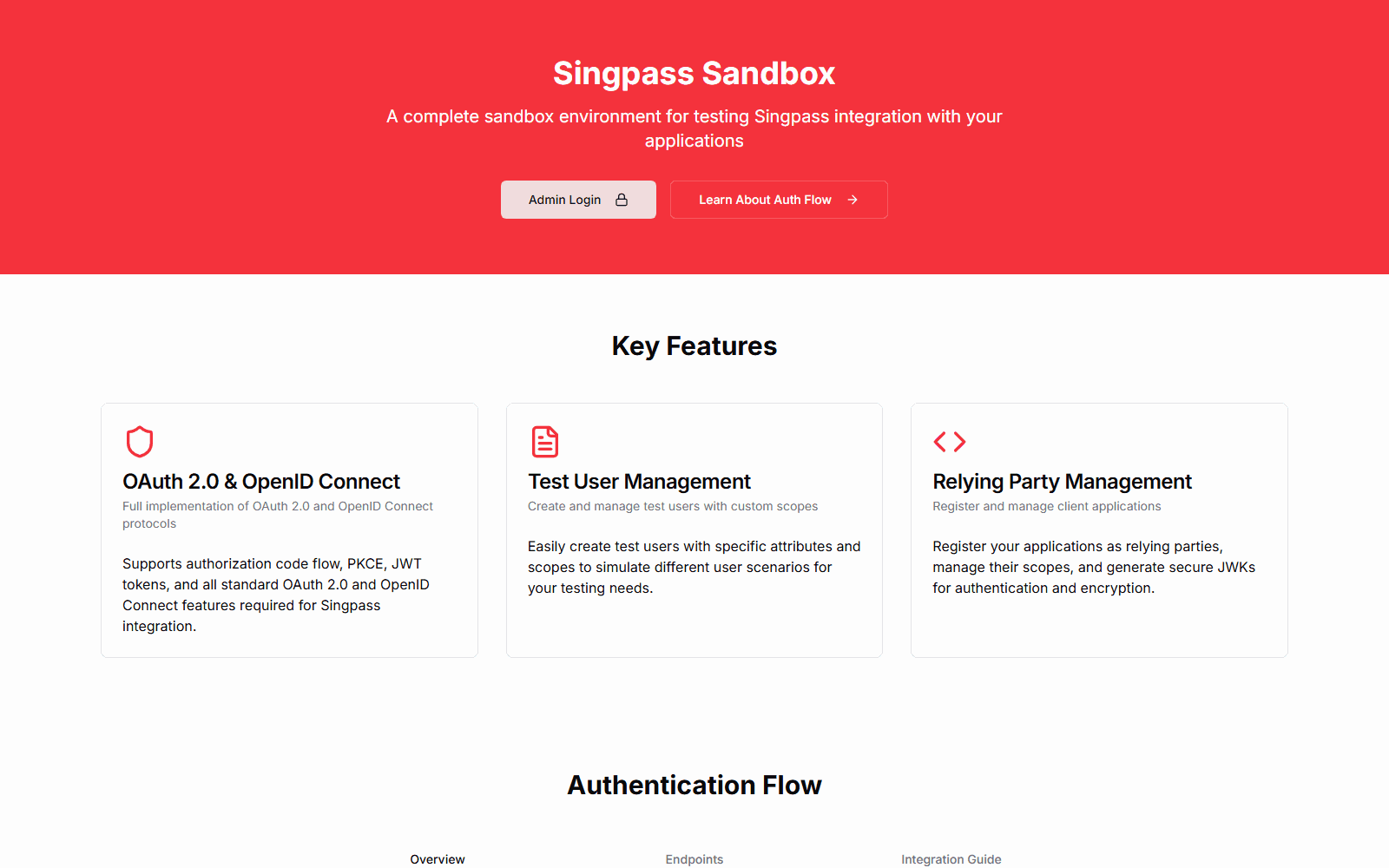
A hosted mock of Singpass, Singapore's national digital identity login, for testing integrations without the real staging environment. It runs the OIDC authorization-code flow with PKCE and JWT client assertions, has MyInfo-style personas whose data is shaped by templates, and has an admin dashboard for test users, relying parties and logs. Building it led directly to console.dewabuanam.com, my own OAuth/OIDC provider.
Personal
Developer Tools by FoxSensei
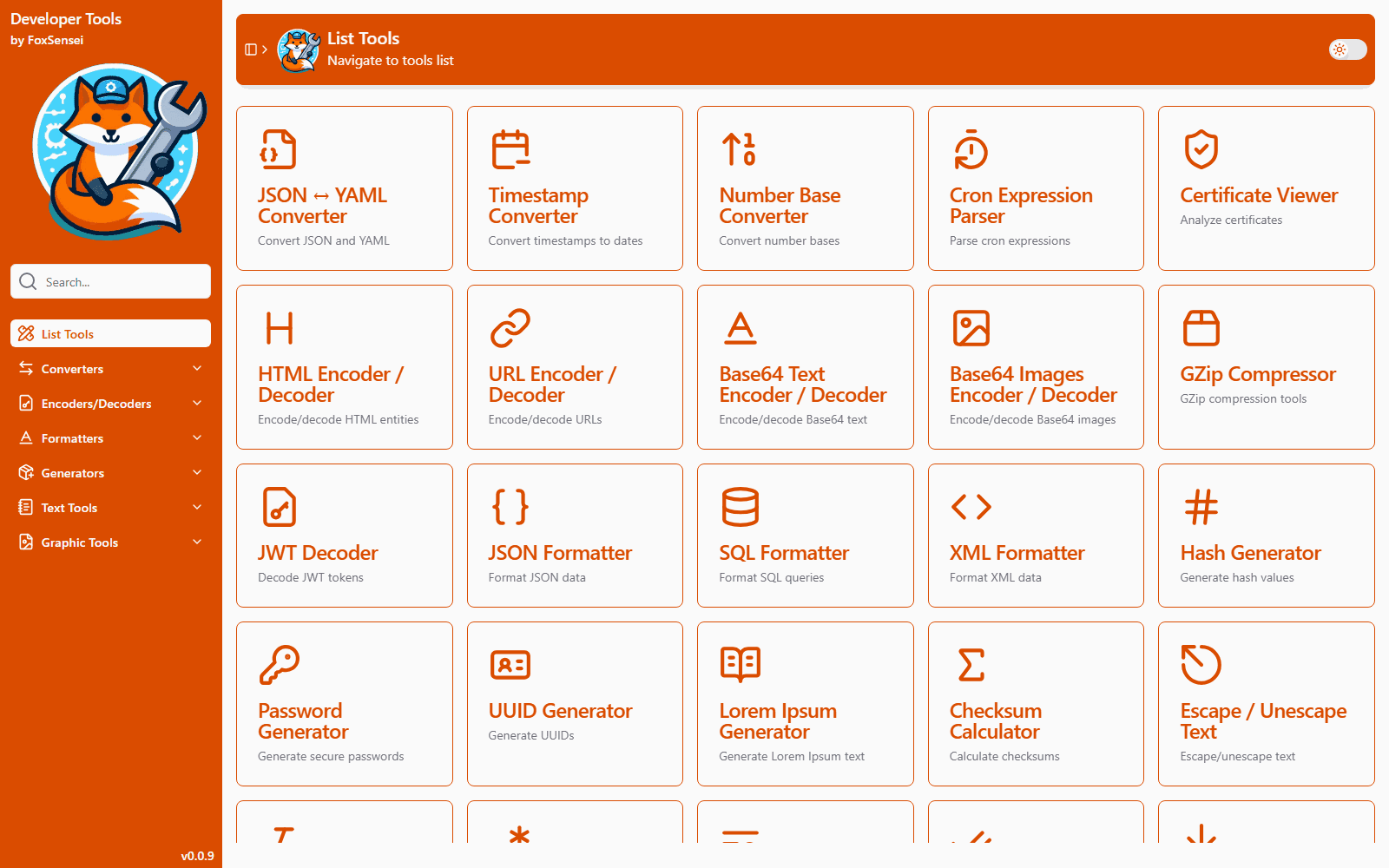
A browser take on DevToys: two dozen everyday developer utilities (JWT signing and verification, certificate inspection, JSON/YAML, SQL formatting, cron parsing, hashing, base conversion and more) in one installable PWA. Everything runs client-side, so tokens, keys and certificates never leave the device.