

Personal · Design and build
AI Traffic Lights
A status light for every Claude Code session
A frameless, always-on-top traffic light that shows whether Claude Code is working, finished, or waiting on you. One window per session, captioned with its project, parked wherever you leave it. Built with Tauri and Rust for Windows.
The problem
Claude Code runs in a terminal, and a terminal tells you nothing once you have tabbed away from it. Give it a long task and you have two options: sit and watch a spinner, or go and do something else and come back guessing. Half the time it had finished five minutes ago. The other half it had stopped almost immediately on a permission prompt and was waiting for a single keystroke.
Run Claude in three projects at once and the guessing multiplies. Which terminal wants something? You find out by cycling through them.
I wanted the answer to be ambient: visible without looking for it, and specific enough to act on.
What I built
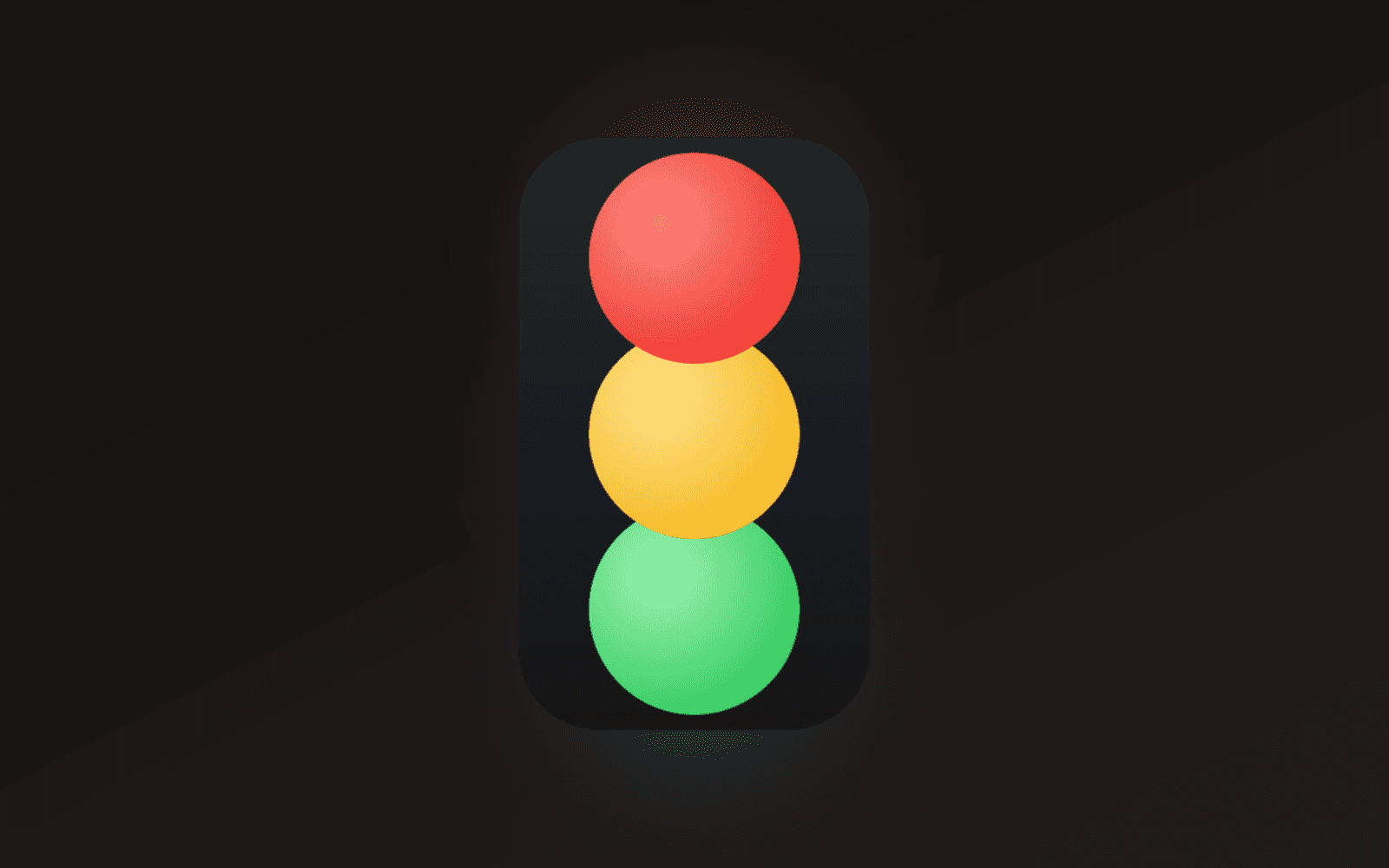
A traffic light that floats above everything else on screen.
| Light | Meaning |
|---|---|
| Red | Claude needs a response: a permission prompt or a question |
| Yellow | Claude is working |
| Green | Finished, or idle |
The important part is that there is one light per session, not one light for the machine. Three projects running means three little windows, each captioned with its own project folder, each showing only its own status. Click one and the terminal that session is running in comes to the front. A light appears when its session starts and disappears when the session ends, so an idle machine has nothing on screen at all except a tray icon.
Each light is frameless, transparent, draggable, resizable, and remembers where you put it.
How it works
Claude Code fires hooks at
points in a session. A small native helper, claude-light-hook.exe, is
registered on those hooks and writes the current status to a per-session JSON
file under ~/.claude/ai-traffic-lights/sessions/. The Tauri app watches that
folder and lights the matching lamp.
| Hook | Light |
|---|---|
SessionStart | green |
UserPromptSubmit | yellow |
PreToolUse | yellow |
Notification | red |
Stop | green |
SessionEnd | clears the session |
The tray icon summarises everything: any red makes it red, otherwise any yellow
makes it yellow, otherwise green. Its tooltip says how many sessions are behind
that number. Sessions with no update for twelve hours get pruned, which covers
the case of a terminal killed before it could fire SessionEnd.
The decisions that actually mattered
Most of the work was not the traffic light. It was the handful of choices that decide whether a thing like this is pleasant or infuriating to live with.
A window per light, not a row of lights
One window holding a row of lamps could only ever be moved as a block. Since the whole point is to park each project's light somewhere meaningful, each light had to be its own window. That costs a webview per session, which is why each one is deliberately tiny: a single light, reading the same preferences from the same place.
Positions are keyed by project, not by session
This one I got wrong first. Session ids are new every time Claude Code starts, so a position saved against a session id would never be found again. Keying on the working directory instead means you start work in the same project tomorrow and its light comes back exactly where you left it.
Keying on the slot (first light, second light) looked fine until a second project was opened, at which point the first project's light got numbered differently and lost its position.
The app has no window when nothing is running
Which Tauri reasonably takes as the end of the program. RunEvent::ExitRequested
had to be refused when it arrives without an exit code, which is the last light
closing, and honoured when it has one, which is what Quit sends.
Resizing had to be taken away from the OS
A traffic light has a fixed proportion: the casing must fit the lamps exactly, with no background showing beside them. That means the short side is derived from the long one and both axes move together on every frame.
A native resize moves only the edge being pulled, so it cannot work here. While
the window was still declared resizable, wry hit-tested its own border and the
press never reached the webview, so the OS dragged one edge while our correction
pulled the other back. The window flickered between two sizes for the entire
gesture. Declaring it resizable: false and driving the whole thing from the
frontend fixed it.
Dragging and clicking are told apart by distance
The obvious approach, data-tauri-drag-region, hands the press to the OS move
loop, which swallows the click that a light needs in order to focus its
terminal. So movement is measured instead: travel more than a few pixels and it
is a drag, stay put and it is a click.
The light also captures the pointer for the whole press, because a light is a small window and a quick flick takes the pointer outside it before the first move event is delivered. Without the capture, those moves went nowhere and the light simply refused to be dragged.
Saving positions on a beat, not a cooldown
Moved arrives for every pixel of a drag, so writes are collected in memory and
flushed on a half-second beat. Throttling the other way round, writing only if
the last write was long enough ago, actually dropped everything in between:
three lights place themselves within a few milliseconds of each other at
startup, so only the first was ever saved and the rest were re-derived on the
next run.
A test for the failures that are silent
npm run check loads each frontend module against a stub DOM and fails if one
throws or never registers the handlers it must. This exists because a throw at
module scope is invisible in the running app: the window still paints, the lamps
still light from an already-issued get_status, and only the code after the
throw quietly goes missing.
It also runs the light window twice over. Once as a window told it is showing the second session of a two-session snapshot, which must paint that session and not the first. And once as a window whose position is already remembered, which must not move itself. Those are exactly the paths that stay silent when they break: a light quietly shows the wrong session, or jumps back to the corner every time you start work.
Where it landed
About 1,900 lines of Rust across three crates and 1,650 lines of frontend, with no bundler. Preferences are owned by the Rust side rather than by either webview, so the light and the settings window cannot end up with diverging copies, and every write is echoed to both. That is what makes settings apply live.
The sounds are synthesised with the Web Audio API, so the app ships no audio files at all: nine voices, one per colour, each switchable on its own.
It does the thing I wanted. I stopped checking terminals.