Personal · Design and build
Sketché
A drawing studio without distractions.
An offline-first digital sketchbook for Android with its own brush engine: 34 tuned brushes, pressure curves, tilt shading, S Pen palm rejection, layers with blend modes, groups and clipping, selection and perspective transform, symmetry and perspective guides. There is no account and no cloud: every brush, texture and palette is generated on the phone, and drawings never leave it unless you share them.
The problem
Most drawing apps on Android either feel like a toy or want something before you can draw: an account, a brush pack download, a subscription. I wanted to install an app, switch on airplane mode, open a blank canvas, pick an HB pencil and feel straight away that it is a serious tool.
What I built
- A brush engine that places dabs along a smoothed path, with spacing set as a fraction of the current width. Pressure goes through three user curves (size, opacity and flow), each brush decides how strongly it follows them, and tilt broadens pencils for shading and turns flat tips. Tapers, jitter, scatter, particles for spray, bristle tips for paint, smudge and blur are all part of the same pipeline.
- 34 brushes in six families: pencils from HB to 6B, inks, markers, paint, texture media and utilities. Each one was tuned by hand rather than generated, and each has a preview stroke drawn by the engine itself.
- Paper grain pinned to the canvas. Grain textures are generated on the device as tileable noise and applied in canvas space, so crossing strokes share the same tooth, the way graphite catches real paper.
- Layers with 12 blend modes, opacity, groups, alpha lock and clipping masks; selection with a magic wand, colour range, feather, expand and contract; and a transform tool where move, scale, rotate, flip, skew and perspective distort are all the same operation: moving four corners and solving the matrix from them.
- Guides: a ruler, vertical, horizontal, quadrant and radial symmetry, square, dot and isometric grids, and one, two and three point perspective with snapping.
Making it fast
Every layer is a sparse grid of 256 pixel tiles. Empty areas cost nothing, and on the GPU only the tiles that changed are uploaded again, which is what keeps a 4096 pixel canvas smooth while a stroke is in progress. Strokes are drawn into a separate alpha buffer at the brush's flow and composited at its opacity, so a marker does not darken where it overlaps itself and cancelling a stroke is free.
Stylus input is requested unbuffered, so samples arrive at the pen's own rate instead of once per frame, and the historical samples Android batches between events all reach the engine.
Never losing work
Undo stores only the tiles an edit touched, and older steps are compressed to lossless PNG in the background, inside a memory budget. Saves are written to a temporary file, synced and verified before they replace anything, and autosave writes to a separate recovery slot. If the app dies, the next launch offers "Recovered version found" with Restore or Discard, and the last good save is kept until you choose.
The project format is a zip of the layer tree as JSON plus one PNG per non-empty tile, so unchanged tiles reuse their encoding and autosave stays quick.
Privacy
No account, no analytics, no advertising. Projects stay in app-private storage, excluded from cloud backup, and leave the phone only when you export or share them. The light theme is free; a single optional Play purchase unlocks the other themes, and nothing else is ever locked.
Stack
Kotlin, Jetpack Compose and Material 3 for the interface, a plain Android View on a hardware canvas for the drawing surface, coroutines and StateFlow, Room for project metadata, DataStore for settings, and Google Play Billing for the support purchase.
It is available on Google Play.
Related projects
Personal
DentalShade
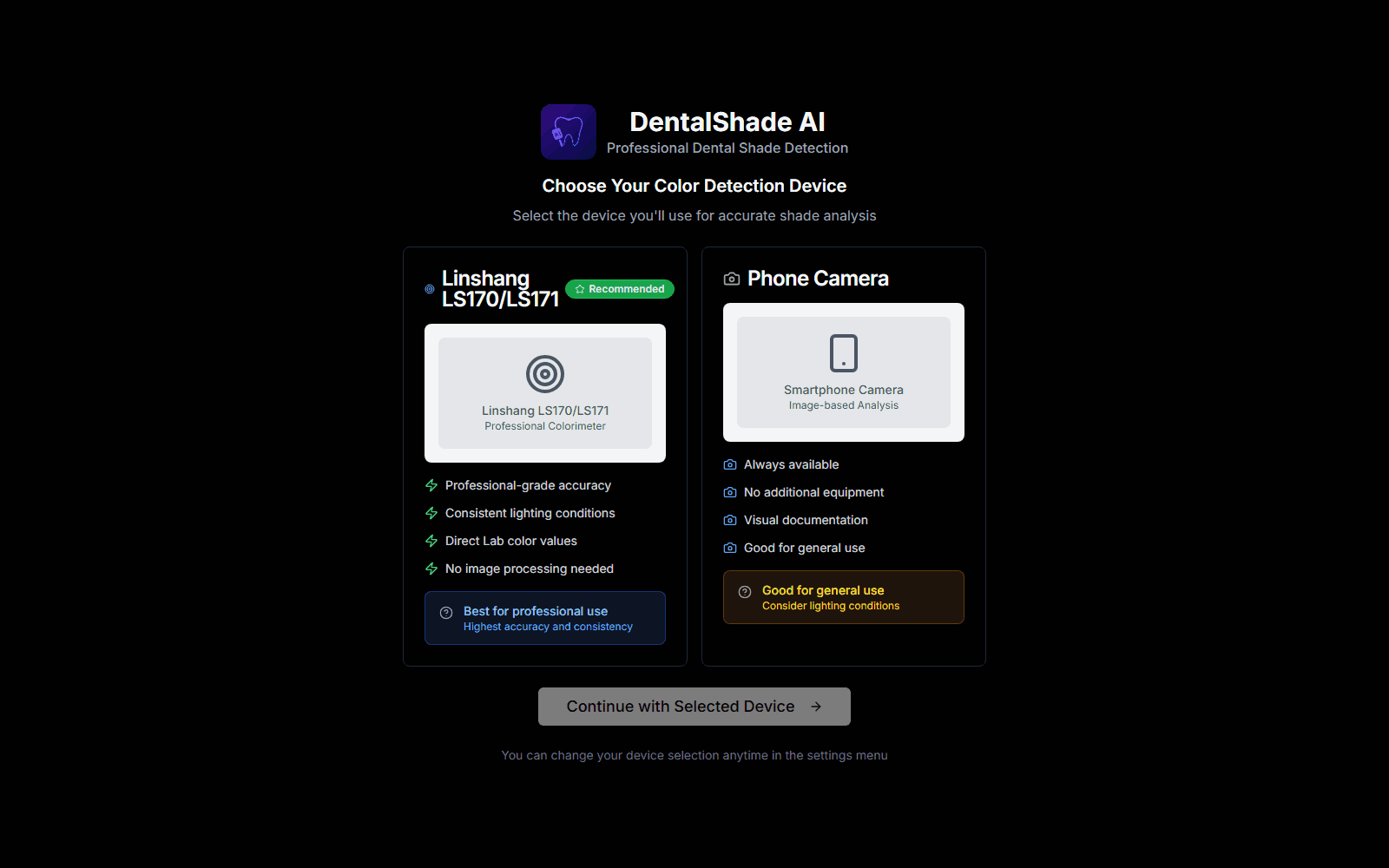
A mobile-first PWA that estimates a tooth's VITA Classical or 3D-Master shade from a photo. It samples the cervical, body and incisal zones, calibrates against a ColorChecker chart, grey card or auto white balance, converts to CIELAB and finds the nearest shade. It also compares a restoration against a natural tooth with CIEDE2000. All of it runs in the browser.
Personal
AI Traffic Lights
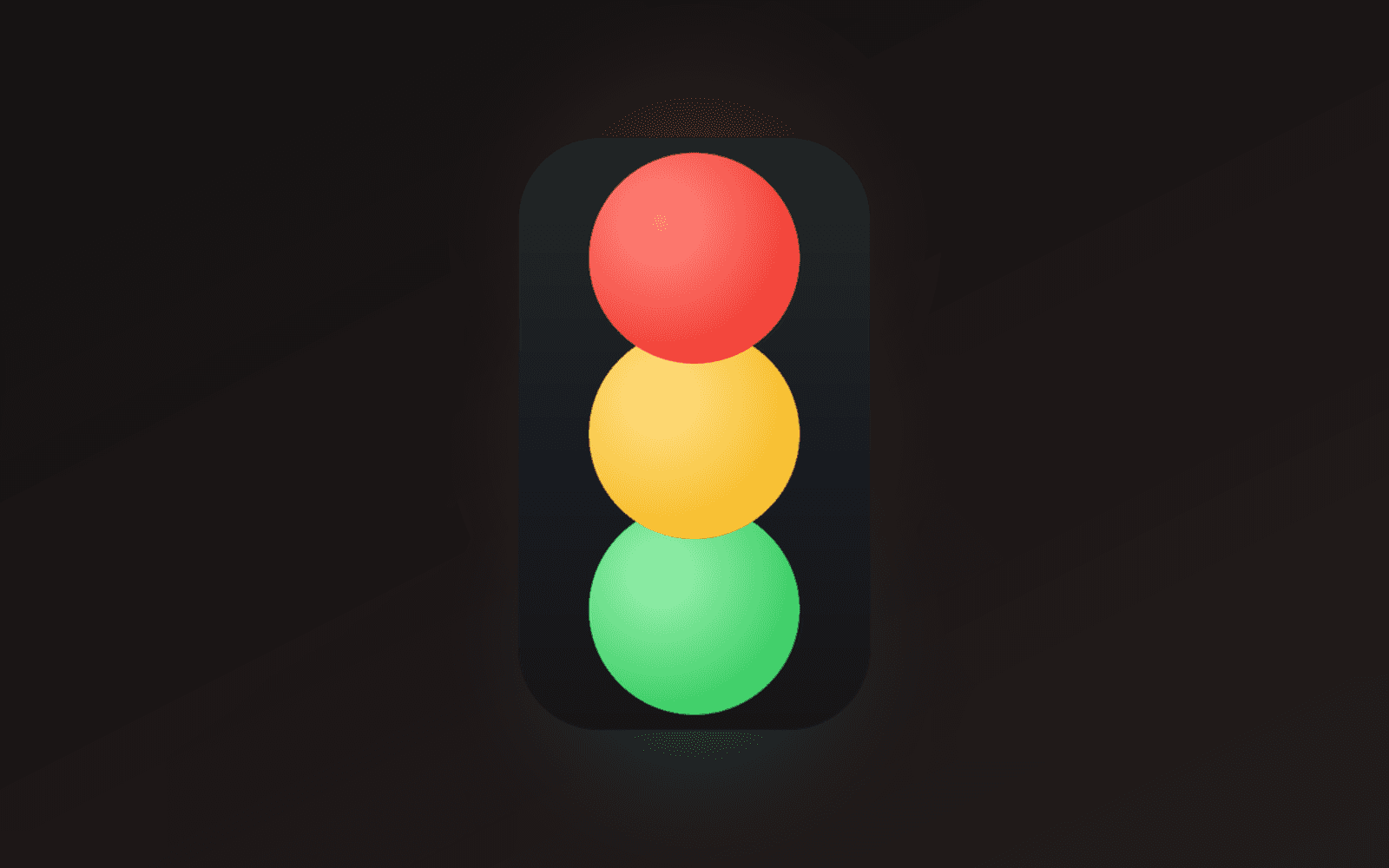
A frameless, always-on-top traffic light that shows whether Claude Code is working, finished, or waiting on you. One window per session, captioned with its project, parked wherever you leave it. Built with Tauri and Rust for Windows.
Personal
Le Tour de Bouffe
A web app for food tours with friends. Plan the stops, invite the group with a link, auto-route the walk, mark each place eaten or skipped, and keep a review of every restaurant (dish by dish) in a library that outlives the tour. Next.js 16, Supabase and Google Places.