

Personal · Design and build
DentalShade
Reading a VITA tooth shade from a phone photo
A mobile-first PWA that estimates a tooth's VITA Classical or 3D-Master shade from a photo. It samples the cervical, body and incisal zones, calibrates against a ColorChecker chart, grey card or auto white balance, converts to CIELAB and finds the nearest shade. It also compares a restoration against a natural tooth with CIEDE2000. All of it runs in the browser.
The problem
Matching a crown or a filling to the tooth next to it is still mostly done by eye. A dentist holds a physical shade guide up to the patient's mouth under whatever light the room has, and picks the tab that looks closest. Two people can pick two different tabs. Dedicated spectrophotometers solve this, but they are expensive.
Most dentists already carry a decent camera in their pocket. The question was how far colour science alone could take a phone photo toward a repeatable shade reading.
What I built
A PWA built for the chairside workflow:
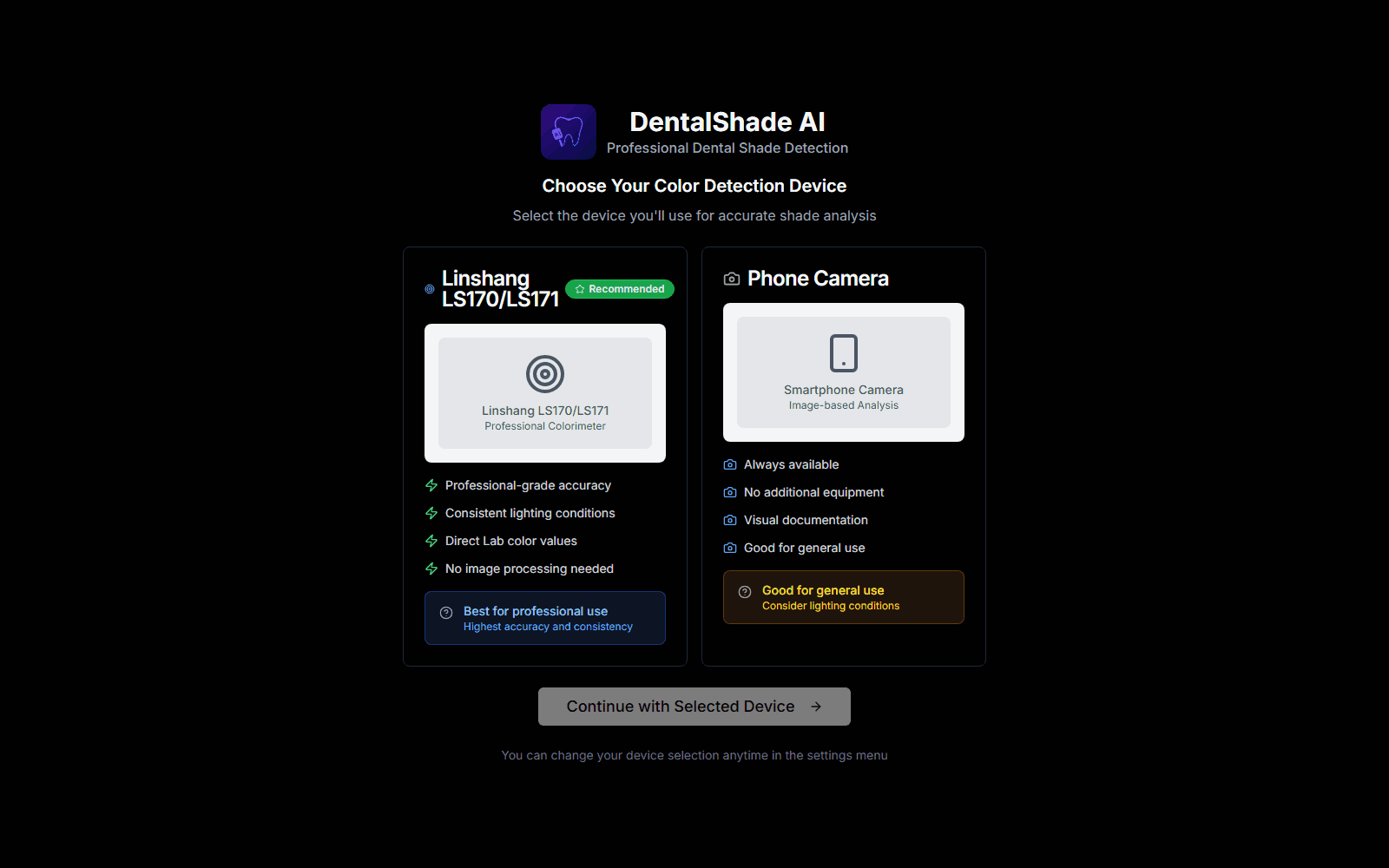
- Choose a device. The phone camera works today. A hardware colorimeter option (the Linshang LS170 / LS171) is designed in and waiting.
- Capture or upload a photo of the tooth.
- Calibrate, if you can. Use a 24-patch ColorChecker chart, an 18% grey or white reference card, or automatic white balance.
- Place the sampling areas: one zone, or three for cervical, body and incisal. A natural tooth is not one colour. It is darker and warmer at the gum line and more translucent at the edge.
- Read the result: the VITA shade in Classical (A1–D4) or 3D-Master (0M1–5M3), the L*a*b* and RGB values, the shade for each zone, and a confidence score with advice on improving it.
A second mode compares two teeth, such as a restoration against its neighbour, and reports the colour difference zone by zone.
How it works
There is no server. Everything happens on a canvas in the browser, so a patient photo never leaves the device.
From pixels to a shade
Each sampling area is a circle whose pixels are averaged. The average is linearised from sRGB, converted to XYZ, and then to CIELAB under a D65 white point. Lab is the right space for this job because distance in it roughly follows how different two colours look.
The shade is the nearest neighbour in a table of VITA reference values. Each zone has its own table, because a body A2 and a cervical A2 are not the same colour. The overall shade comes from the body zone, and the combined colour weights cervical, body and incisal 0.3 / 0.5 / 0.2.
For comparisons the app uses the full CIEDE2000 formula. It is much more work than plain Euclidean distance, but it corrects for the eye being more sensitive to some hue and lightness differences than others.
Calibrating against a colour chart
A phone camera has opinions about colour: white balance, tone curves, "beautification". The ColorChecker mode is there to undo them.
- You tap the chart's four corners. The app solves a perspective homography for those points, with its own Gaussian elimination and partial pivoting, so it needs no OpenCV.
- It samples all 24 patch centres through that transform and scores each patch by how far it is from its reference. The scores are drawn back over the photo as a colour-coded overlay, so you can see where the lighting is failing.
- It builds a 3D lookup table that pulls the measured colours toward the reference colours. The correction is applied in full only to pixels that look like enamel in Lab terms, and is damped for everything else.
When there is no chart
Auto white balance uses a weighted gray-world estimate. It ignores very dark and very bright pixels, weights mid-tones with a Gaussian centred on mid grey, clamps each channel's gain between 0.5× and 2×, and does nothing at all if the photo is already close to neutral. A reference card mode scales each channel against a known 18% grey or white card instead.
How confident is it?
The confidence score combines four things:
- image quality
- how consistent the three zones are with each other
- whether the zones are placed in a sensible order from gum to edge
- whether the lighting is in a usable brightness range without a colour cast
Using a calibration chart raises it. The score comes with plain advice, such as retake in more even light.
Where it landed
Twenty-five commits and about 11k lines of TypeScript. The core was built over three days in June 2025, scaffolded with v0 and shadcn/ui, and then taken much further by hand. It installs as a PWA with an offline service worker and a camera guide.
The name says AI, but the honest description is colour science: no model is involved, and that is deliberate. Every step from pixel to shade can be inspected and explained.
What I learned shaped the next attempt, SmileShade. It drops the fixed reference tables in favour of calibration samples measured per shade and stored in a database. It matches with CIEDE2000 against the median of each shade, with outlier rejection, and reads L*a*b* directly from a Bluetooth LE colour sensor through Web Bluetooth. A measured reading beats a corrected photo.
Still to do on this one:
- Cite and unify the reference tables.
- Move shade matching to CIEDE2000 as well.
- Shrink the calibration lookup table, which is heavy on a phone.
- Finish the hardware colorimeter path.
Related projects
Personal
Sketché
An offline-first digital sketchbook for Android with its own brush engine: 34 tuned brushes, pressure curves, tilt shading, S Pen palm rejection, layers with blend modes, groups and clipping, selection and perspective transform, symmetry and perspective guides. There is no account and no cloud: every brush, texture and palette is generated on the phone, and drawings never leave it unless you share them.
Personal
AI Traffic Lights
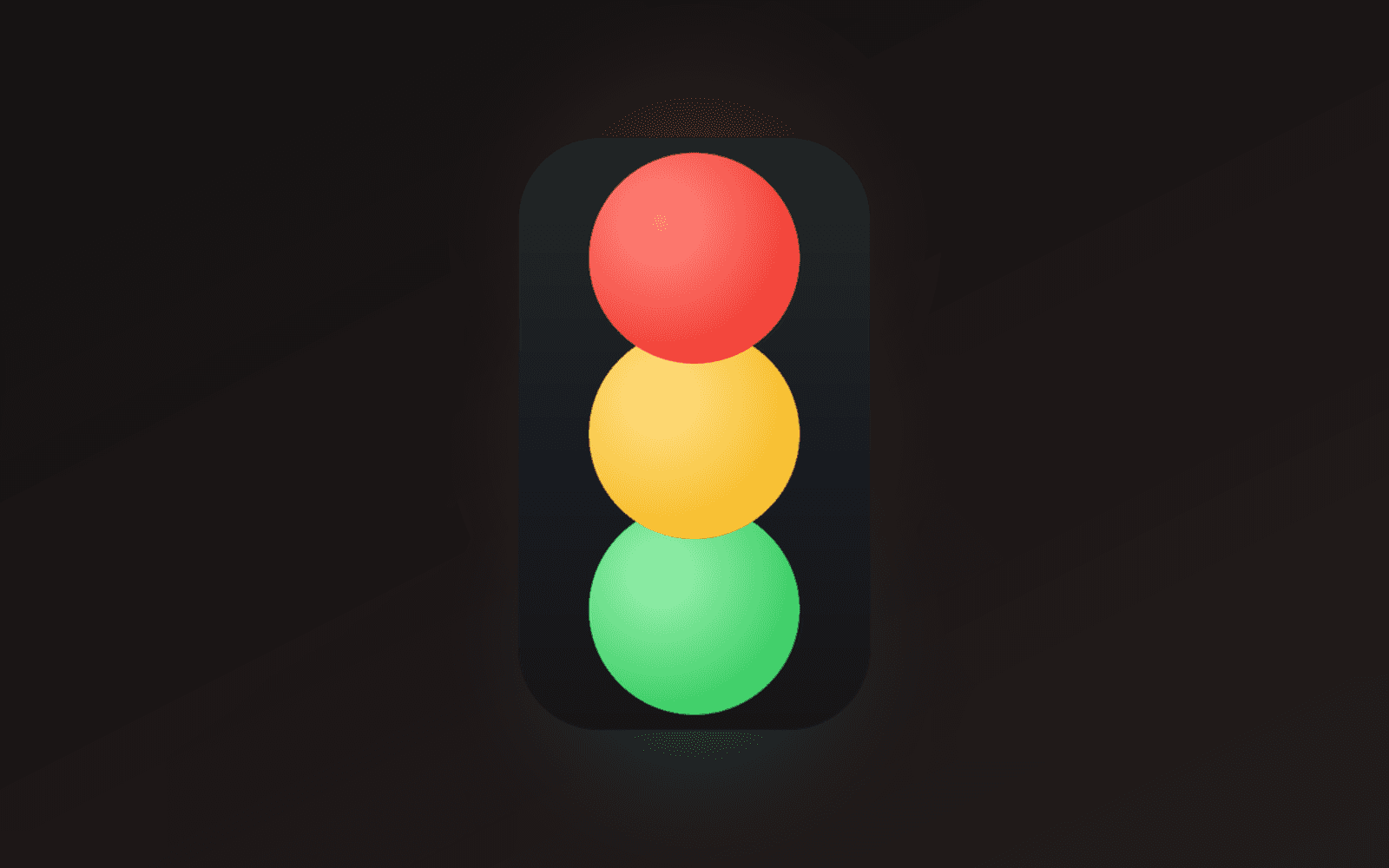
A frameless, always-on-top traffic light that shows whether Claude Code is working, finished, or waiting on you. One window per session, captioned with its project, parked wherever you leave it. Built with Tauri and Rust for Windows.
Personal
Le Tour de Bouffe
A web app for food tours with friends. Plan the stops, invite the group with a link, auto-route the walk, mark each place eaten or skipped, and keep a review of every restaurant (dish by dish) in a library that outlives the tour. Next.js 16, Supabase and Google Places.